THE PASSWORD LIE: Why Your "Strong" Password Is Already Stolen
Published: July 2026 | Reading time: 5 min
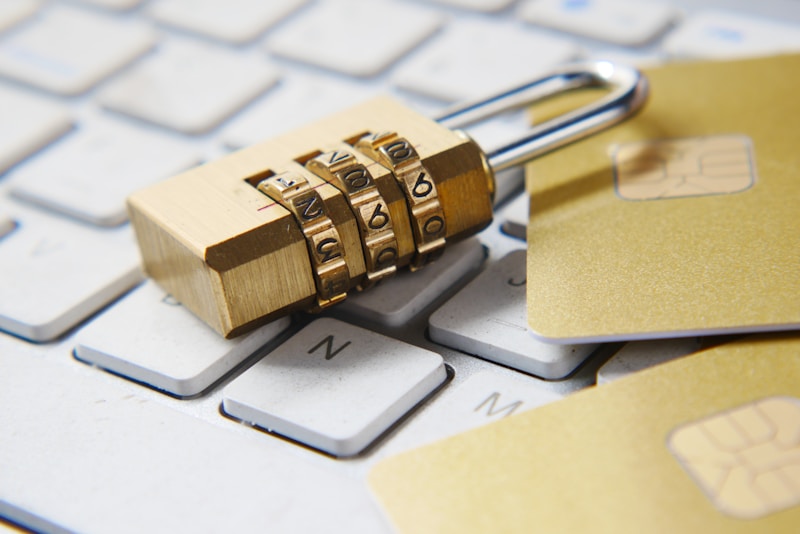
Let me tell you something that will make you uncomfortable: your password is already in a hacker's database.
You thought it was strong. You added a number. You added an exclamation mark. You felt safe.
Here's the reality: hackers don't break your password. They just look it up.
Every day, millions of passwords are leaked from data breaches. These leaks are compiled into massive databases that hackers buy and sell. If you've been using the same password for more than a year, it's probably already out there.
The Dark Truth About Data Breaches
Remember that website you signed up for in 2018? The one you forgot about? Yeah, that one.
If that website was hacked, your password is now floating around on the dark web. And if you used that password anywhere else... every single one of those accounts is now at risk.
| Data Breach | Year | Accounts Exposed | Why You Should Care |
|---|---|---|---|
| 2021 | 700 million | Your work email + password = corporate espionage risk. | |
| 2019 | 533 million | Your personal info + phone number = identity theft risk. | |
| Google (Gmail) | 2025 | 500 million (estimated) | If they have your Gmail, they have EVERYTHING. |
| Dropbox | 2022 | 68 million | Your documents = blackmail material. |
Why Password Managers Are Non-Negotiable
You can't remember 50 unique passwords. I can't either. You don't have to.
A password manager creates complex, unique passwords for every site and stores them securely. You only need to remember one master password.
The Best Password Managers in 2026
| Service | Free Version? | Best For | Price (Premium) |
|---|---|---|---|
| Bitwarden | ✅ Yes (unlimited) | Budget-conscious users | $10/year |
| Dashlane | ✅ Yes (50 passwords) | Ease of use, VPN included | $60/year |
| 1Password | ❌ 14-day trial | Families & teams | $36/year |
| NordPass | ✅ Yes (unlimited) | NordVPN users | $24/year |
How to Fix Your Passwords Right Now
- Download Bitwarden (free). It takes 2 minutes.
- Change your most important passwords first. Start with your email, your bank, and your social media.
- Use the built-in generator. It creates passwords like "x9Z!mK#2qL@". You'll never remember them — and that's exactly the point.
- Turn on 2FA everywhere. Google Authenticator or Authy. This is non-negotiable.
The "I Have Nothing to Hide" Argument
People always say: "I have nothing to hide, so I don't care."
That's not the point.
The point isn't that you have secrets. The point is that your identity is valuable. Hackers don't want to read your emails. They want to:
- 💸 Steal your money (bank accounts, PayPal, crypto).
- 👤 Steal your identity (open credit cards in your name).
- 🔐 Lock your files and demand a ransom.
- 📢 Use your social media to spread scams and ruin your reputation.
It's not about privacy. It's about survival.
Let's Debate
Some of you will say: "This is too extreme."
Others will say: "I already knew this."
A few will say: "I just changed all my passwords."
Which one are you?
Drop a comment below. I want to hear what you actually do with your passwords.
Disclosure: Some links in this article are affiliate links. I may earn a small commission at no extra cost to you.

No comments:
Post a Comment